-
Appointments
-
Business Settings
-
Clients
-
Notes
-
Site Settings
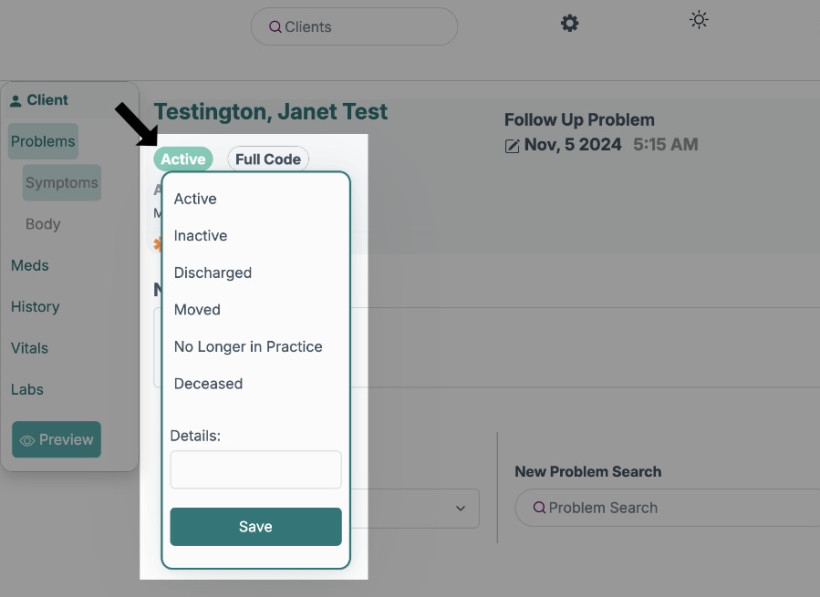
You can change the client's status by clicking the button below the client's name, and a drop down list appears. You can choose "Active, Inactive, Discharged, Moved, No longer in practice, Deceased" or enter a different status. It will save automatically.